
INTRODUCING BRILLIANT MAX
A smarter home for your clients. A new revenue stream for your business.
Brilliant Max adds curated, advanced automations to the Brilliant system. It's easy to set up during an install, simple to explain to clients, and a natural add-on to every job you complete.

WHO IS BRILLIANT MAX FOR?
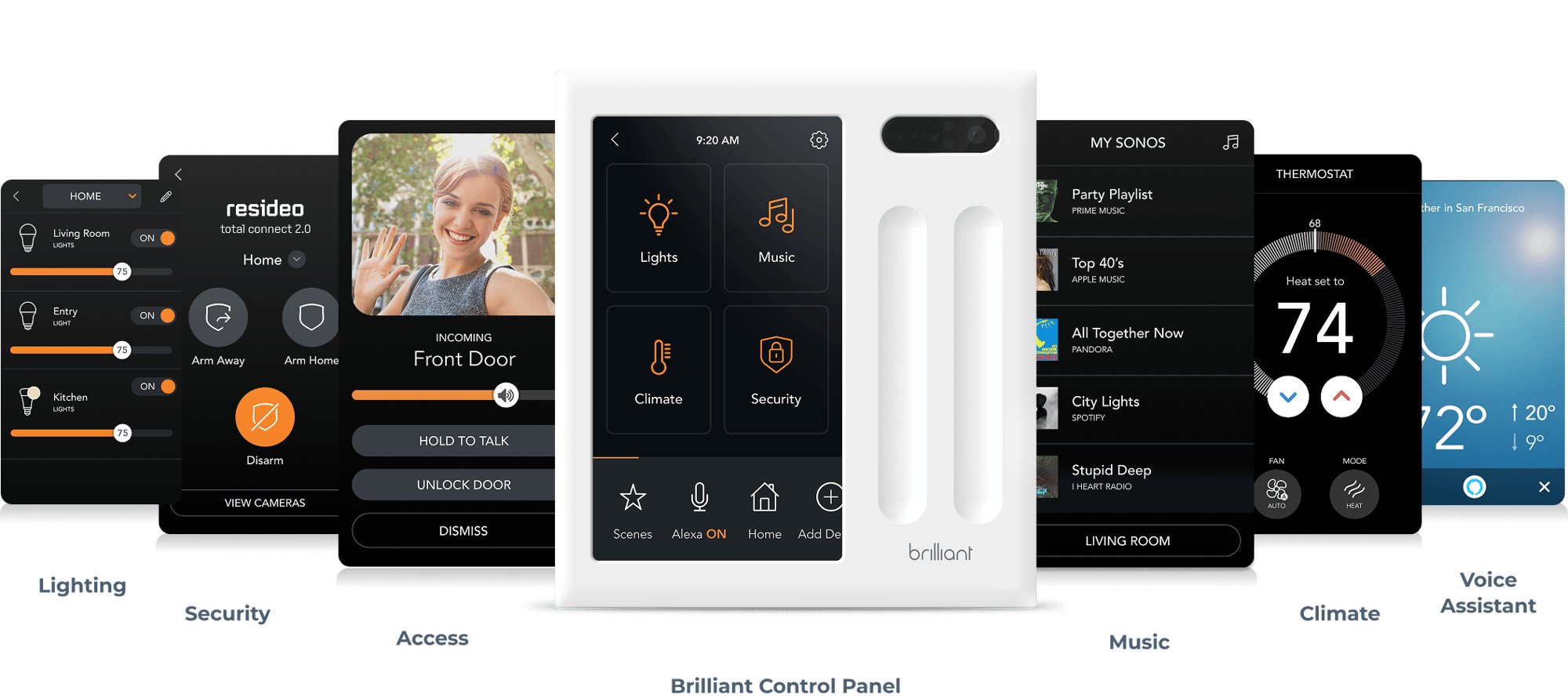
Brilliant Max is for the homeowner who wants automations to just work, but doesn't have the time, energy, or expertise to set it up themselves. Brilliant Max simplifies the process by auto-identifying the connected devices in the home and mapping them into curated automation experiences.
For Pros, Brilliant Max is not only a way to earn recurring revenue after the install is complete, it also leads to larger scale projects and even smoother set up.
WHAT BRILLIANT MAX IS
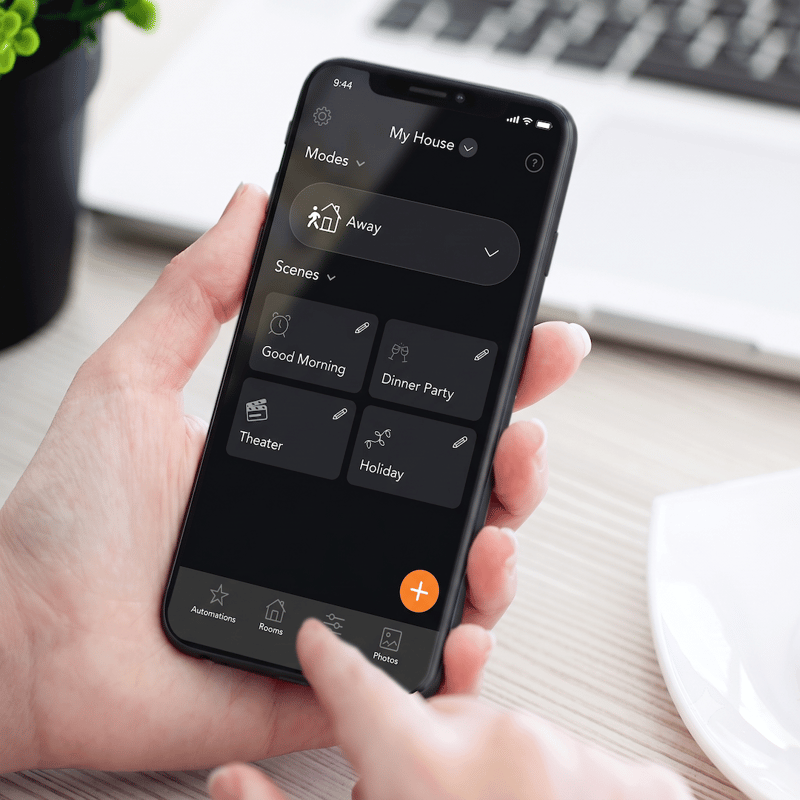
Brilliant Max is a new subscription service that adds a library of curated automations for Brilliant homes that we call Modes. Instead of you or homeowners setting up scenes and automations manually, Brilliant Max recommends a setup based on what's in the home so it only takes a few clicks to configure a home that runs in the background.
.png?width=300&height=52&name=B%20Max%20Logo%20Blue%20(light%20background).png "B Max Logo Blue (light background)")
MODES


AWAY
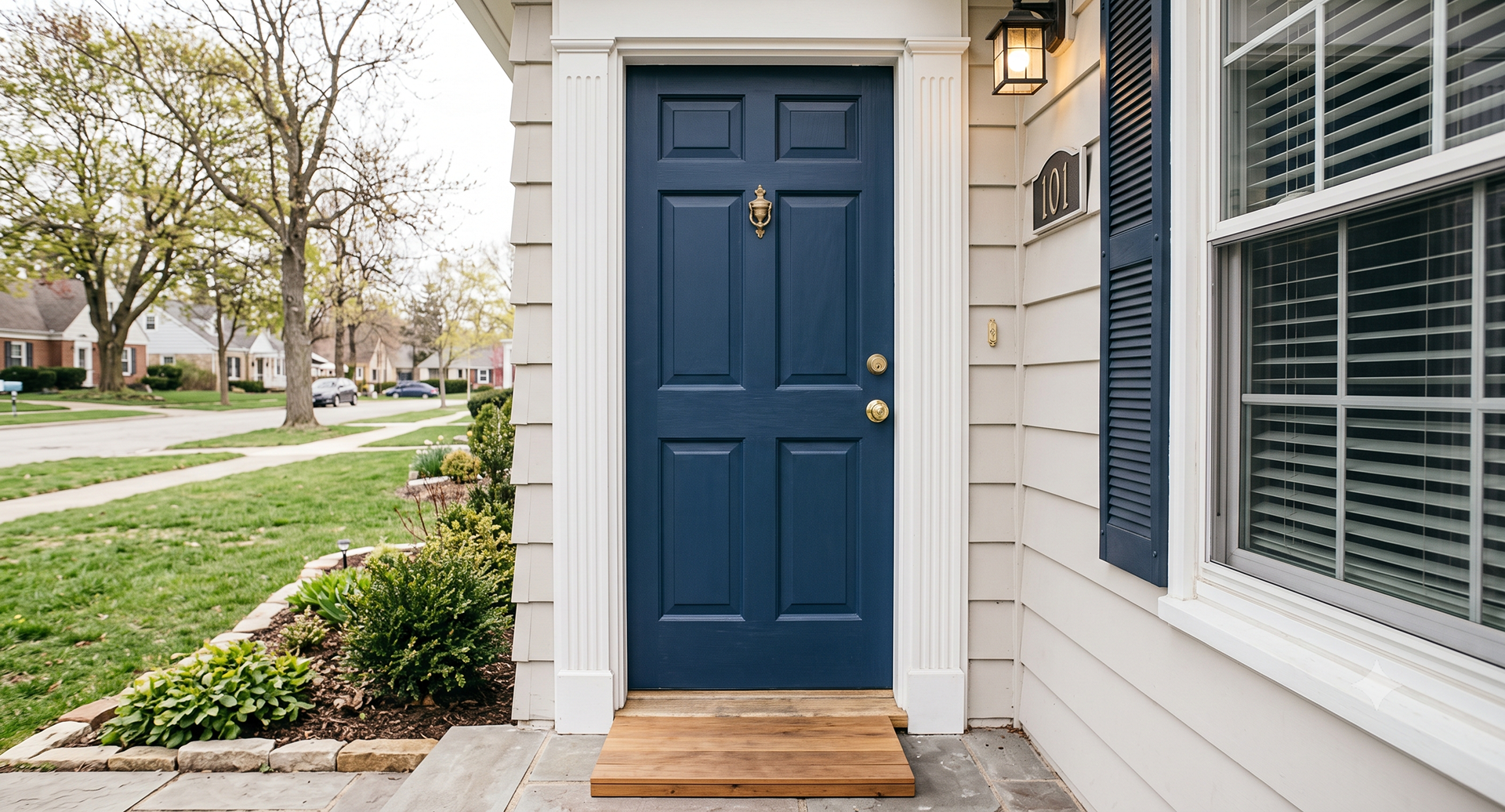
Once the house is unoccupied, Brilliant Max checks that the doors are locked, the alarm is armed, the thermostat is switched to Away mode, and the shades are lowered to conserve energy.
VACATION
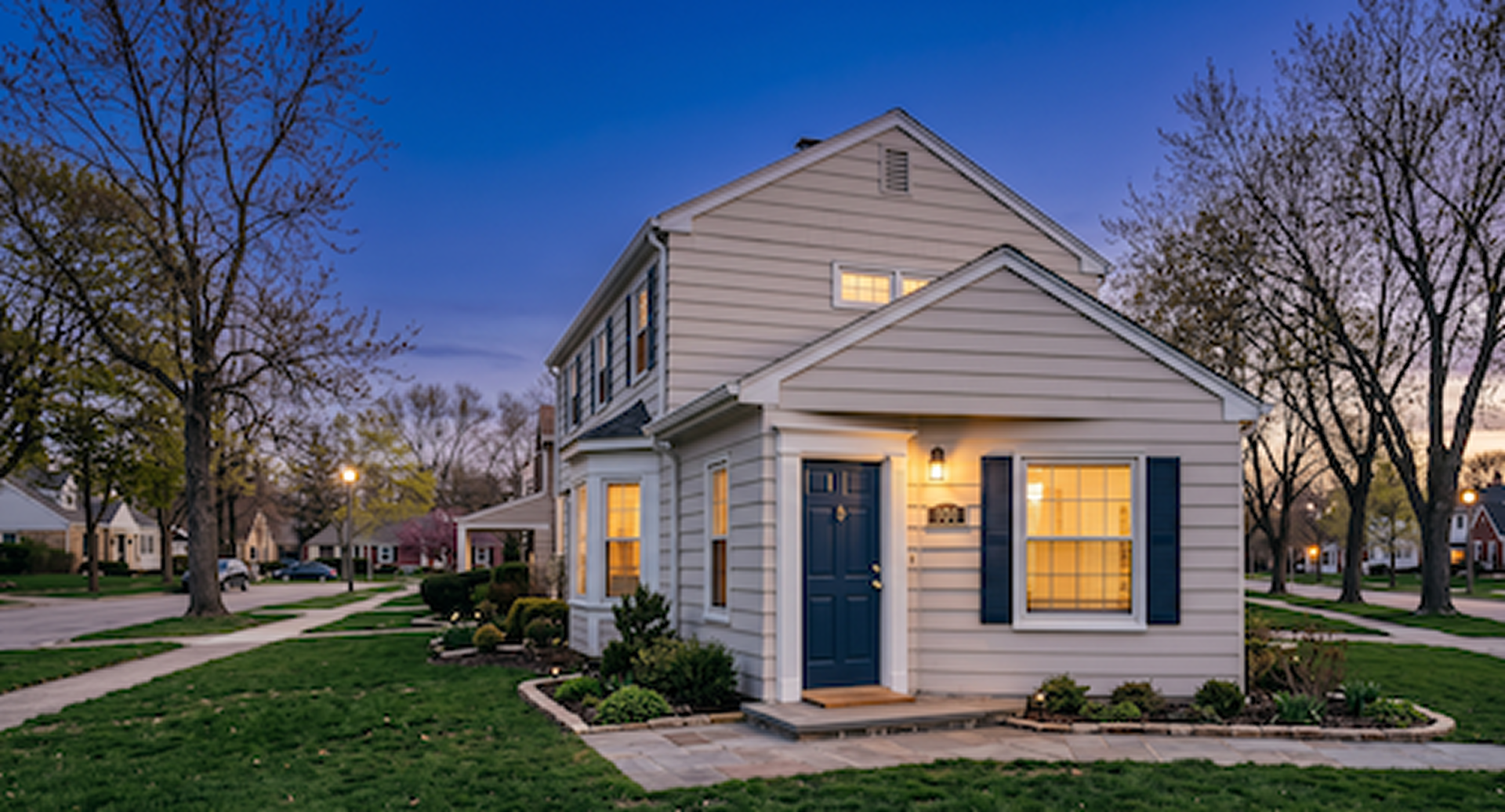
Activates after 18 hours with no one home. Does everything Away Mode does, plus runs a light pattern in the evenings to make the house look occupied, providing peace of mind when traveling.
HOME
Runs quietly in the background whenever Away or Vacation Mode isn't active. Uses motion sensing to control lights at the right brightness for each room type. Also adjusts shades based on outside temperature to cut energy costs.
NIGHT
Within Home Mode is a Night Mode. As people head to bed, the HVAC system goes into Night mode and shuts off if someone opens a window. Motion detection turns on lights at a dim level to not disturb others sleeping.
OFFERING BRILLIANT MAX
Brilliant Max is a logical next step in your sales flow and easy to talk about. When educating a client about their smart home systems, Brilliant Max answers the question, “Can it do any of this automatically”
-
During project scoping
Discuss how curated automations helps the homeowner make the most of their smart home systems and connected devices without adding complexity. Include Brilliant Max in the project quote.
-
During a new install
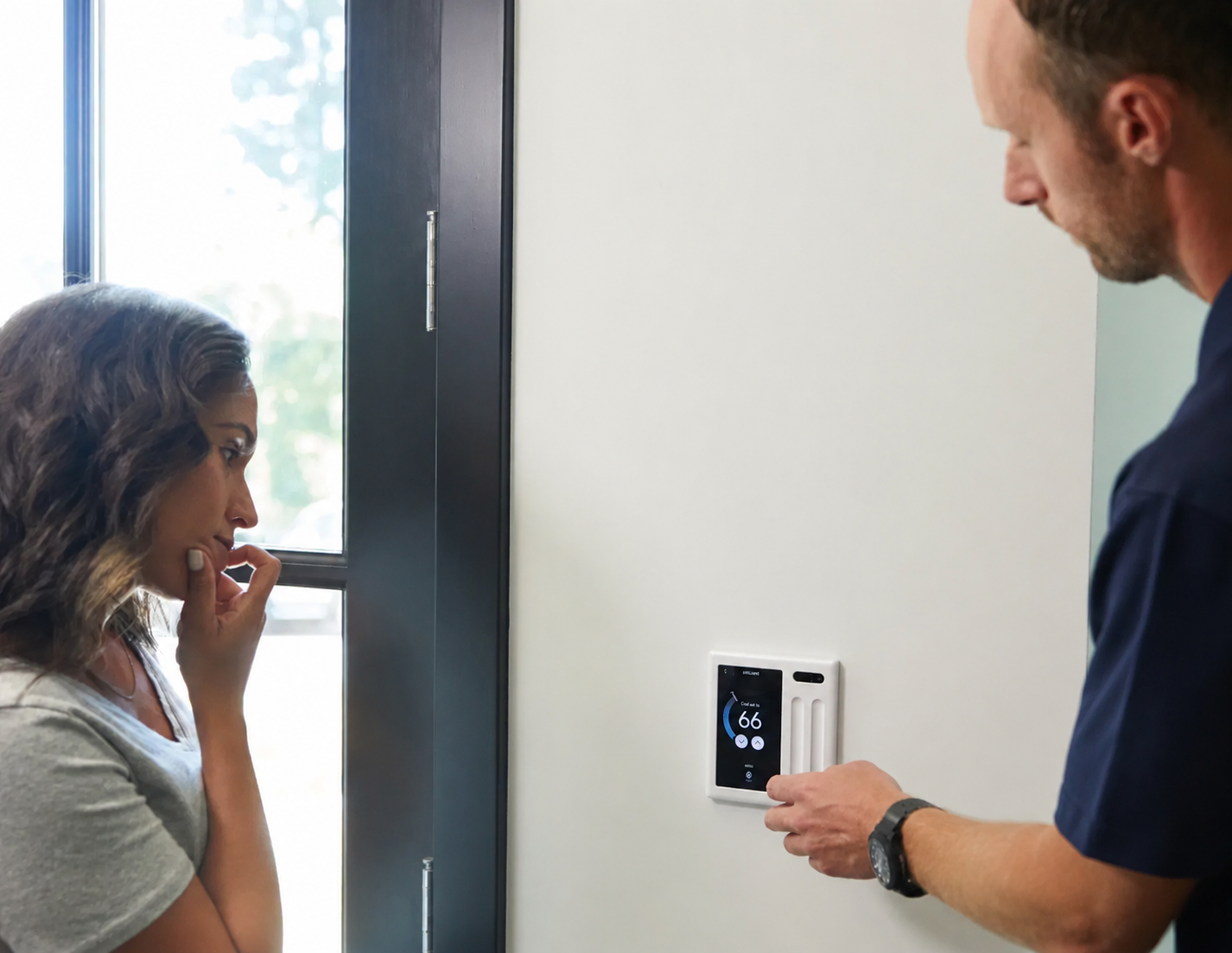
Introduce it as the service that makes all the hardware work together automatically. Activate customer's free trial and show them how easy it is to use automations.
-
With existing clients
Brilliant Max is the perfect reason to reconnect with existing clients. Your customers will love the addition of curated automations and you can find new opportunities to expand their smart homes.
Customer not quite sure? Leave behind the Brilliant Max flyer so you can follow up with them later.
HOW TO ADD VALUE WITH BRILLIANT MAX
While every customer has different priorities, they’ve chosen to work with a Pro because they want a high level of service and don’t want complexity.
Here is how you can let them know you and Brilliant Max have them covered:
-
Set it and forget it
Your home automatically adjusts without ongoing input.
-
Your home, handled
No need to configure, monitor, or troubleshoot your system.
-
Everything works together
Devices operate seamlessly across the home within Modes as a unified and consolidated ecosystem.
-
Peace of mind when away
Immediate event-based alerts for home status awareness, automations simulating “at home” activities.
-
Energy efficiency
Save money and reduce carbon footprint.
-
Detection expansion
With door/window and motion sensors, expand the event-based detection footprint within the home.
HOW TO SET IT UP
Not only does Brilliant Max make your customer's smart home experience better, it also makes your configuration process a breeze.
- Install Brilliant control(s) and connect compatible smart home devices to Brilliant.
-
Open the Brilliant app and go to the Automations tab.
- Select the Mode to configure.
-
Choose a trigger: geolocation*, schedule, or manual.
- Review the recommended actions for the home's devices. Edit as needed.
- Save. The Mode runs automatically from that point on.
* NOTE: Each household member needs the Brilliant app installed for geolocation triggers to work. You can walk clients through this during handoff.
TWO WAYS TO EARN
Using ProView, easily get paid for Brilliant Max subscriptions alongside everything else you can do to manage and troubleshoot homes. Associate your installed homes to your business in Proview and you can make recurring revenue on every Brilliant Max subscription.
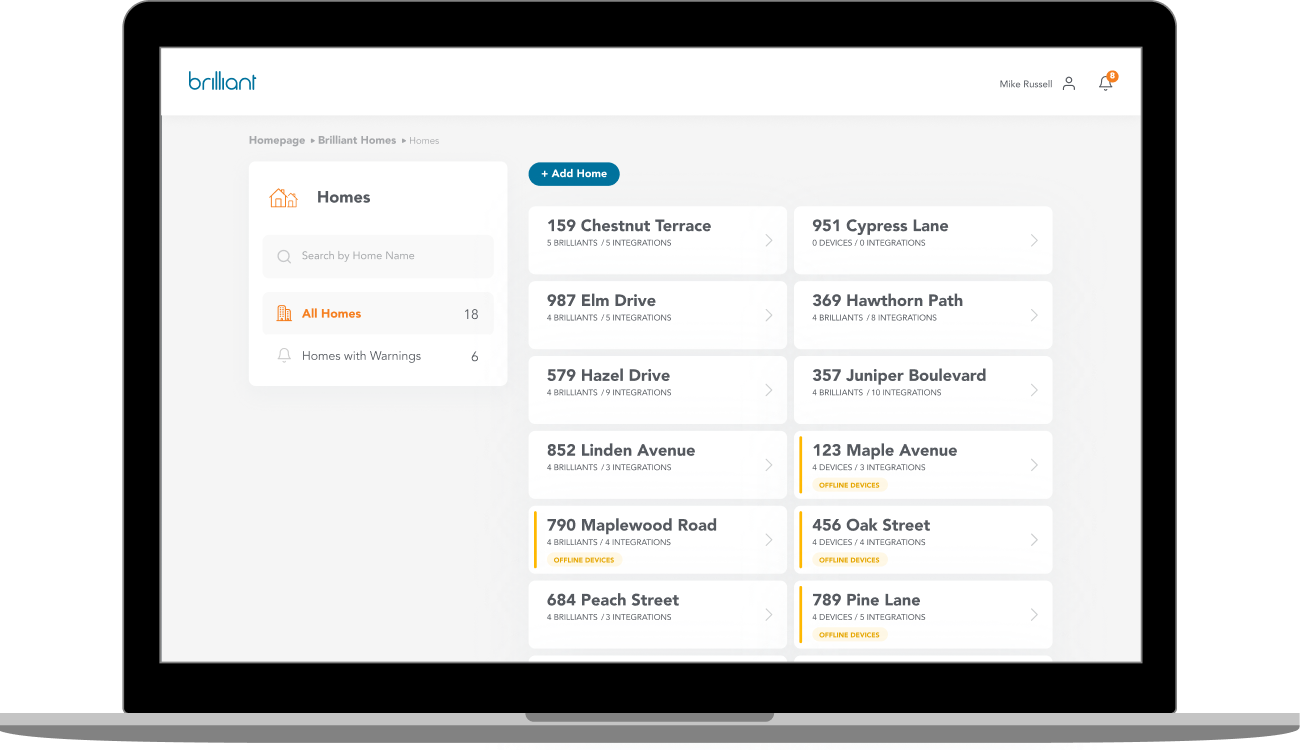
You have two ways to earn with Brilliant Max:
Option One: If you already offer a service or subscription to your customers, you can bundle Brilliant Max into your existing services to earn even more. Simply buy a discounted Brilliant Max Pro license in Proview, assign it to a home, and bundle it into your service plan at whatever price you’d like.
Option Two: If you’re not into selling subscriptions directly, you can sign up in ProView to receive recurring payments direct to your bank account if your customers subscribe to Brilliant Max on their own. Pros who opt for this option earn 20% of Brilliant Max’s MSRP each month. Just sit back and earn when a customer subscribes, even if they subscribe well after the job.
Want to learn more about ProView and how it can help you reduce on-site calls with remote monitoring and management capabilities? You can learn more here.
EXPAND COVERAGE WITH SHELLY SENSORS
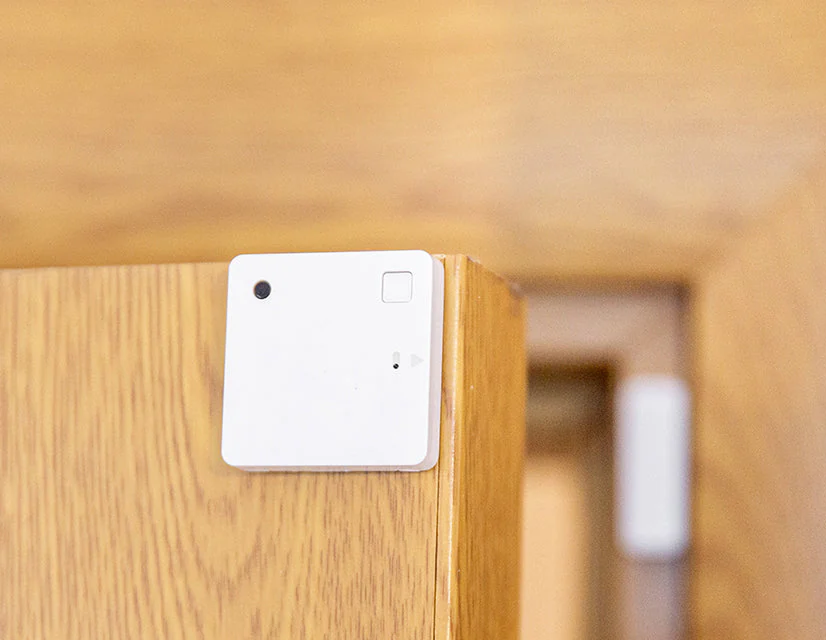
Increase coverage across the home by pairing Shelly Sensors with Brilliant Max, directly in the Brilliant App. Sensors trigger automations adding peace of mind across the whole home.
Window/Door Sensors can trigger automations such as the HVAC going off when a window is left open for an extended period of time or can send an alert when a door is unexpectedly opened.
Motion Sensors expand presence detection beyond Brilliant Controls. Shelly motion sensors lets the homeowner know if there’s someone in the house when there shouldn’t be. With Brilliant Max, they get alerted right away, lights turn on, and the alarm can sound.
Shelly sensors are now available for purchase directly from Brilliant. Pros can now buy compatible Shelly sensors directly from Brilliant’s store inclusive of your standard Pro discount.
Additional Shelly products will be added over time.
GROW EVERY PROJECT
Every device makes the whole system smarter - and the project bigger
Brilliant Max gets more powerful with every device you add. More smart lights, locks, sensors, and thermostats mean richer automations, a home that truly runs itself, and a client who sees the value from day one. For you, that means larger projects, more hardware per job, and a recurring revenue stream that keeps paying long after the install is done.